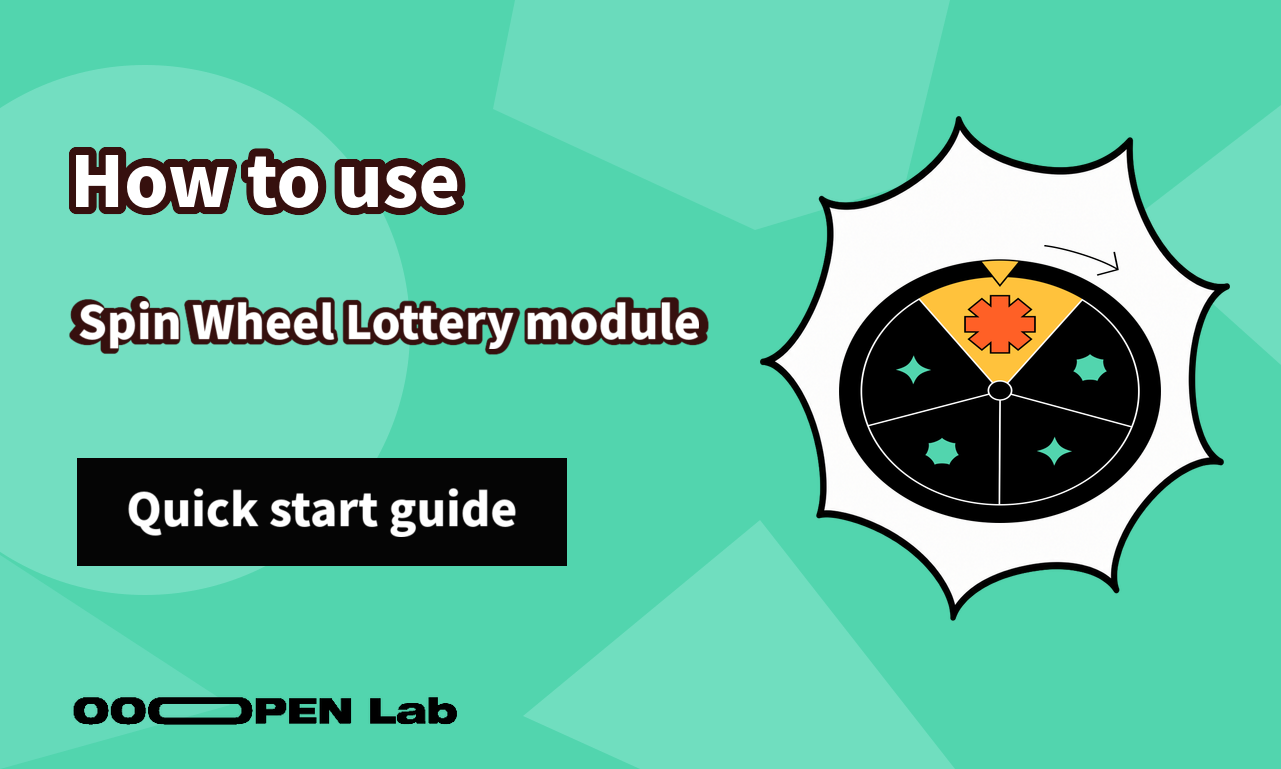
Build a self-service interactive prize draw with a wheel players spin themselves.
Contents
What you can use it for
Use a Spin Wheel when a short campaign needs a memorable reveal but does not justify custom game development. It can combine lead collection and a prize draw in one flow. Make eligibility, quantities, probabilities, and redemption terms explicit before inviting participants.
What it looks like
How it works
Prizes
Select the draw mode first, then add each prize with its name, result page, quantity or probability, and wheel color. Review the displayed probability total.
Wheel and start control
Wheel settings control the pointer, start button, and how segments represent prizes. Decide whether segments show text or images and keep every label readable.
Each prize has its own segment color. Color is presentation only; the configured draw mode and prize values determine the result. The player starts the wheel, watches it settle, then reads the prepared result and redemption instructions.
How to get started
- List the prizes and decide whether the campaign is probability-based, guaranteed-win, or stock-limited.
- Add each prize with complete result and redemption content.
- Configure quantity or probability and verify totals.
- Choose text or image segments and assign accessible colors.
- Customize the pointer and start button.
- Test every result and the no-inventory state on mobile.
FAQ
Does segment size or color set the probability? No. Use the prize settings for outcome logic and treat the wheel as its visual representation.
Can I collect participant information first? Configure the project's login or form flow according to the data you genuinely need and disclose its purpose.
What should I check before launch? Probability totals, quantities, campaign wording, result pages, redemption, and the exhausted state.