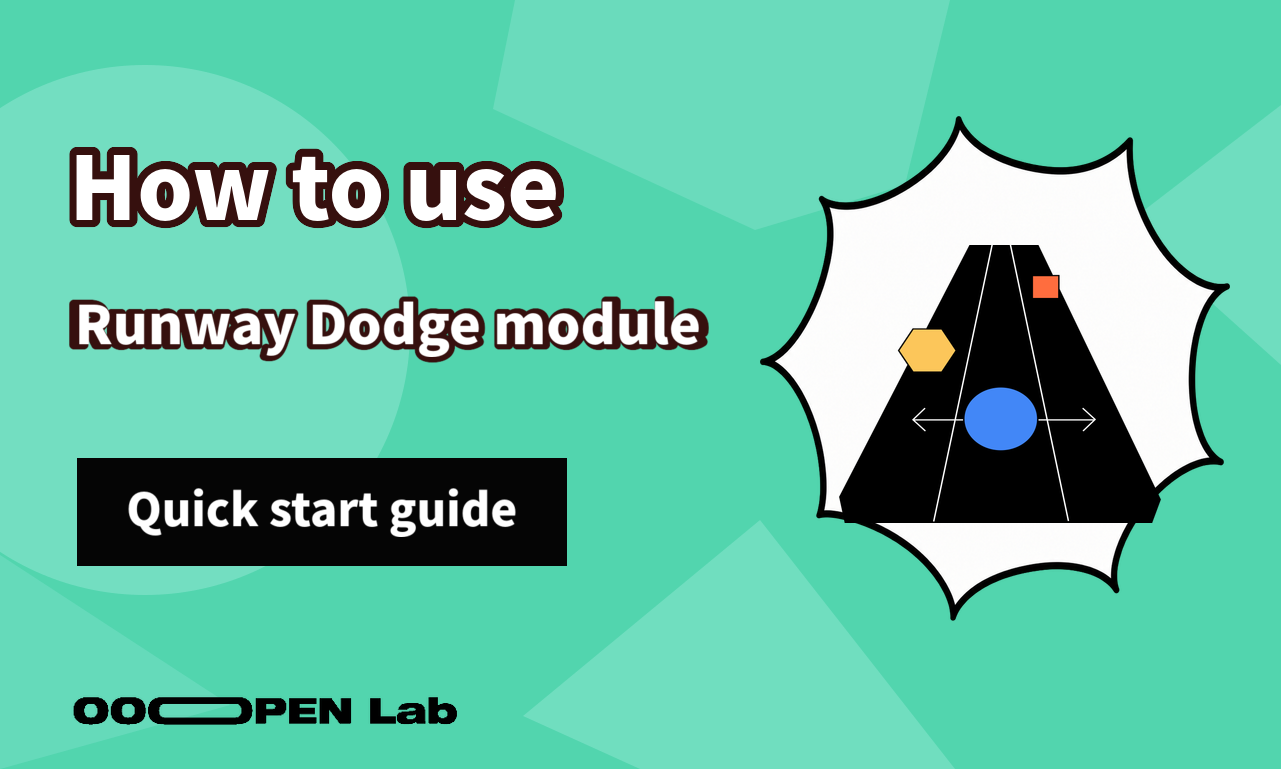
Turn a theme into recognizable obstacles and let players complete a short left-and-right dodging challenge.
Contents
What you can use it for
Runway Dodge is a quick entry point for pop-ups, exhibitions, seasonal campaigns, and educational messages. Represent the things a player should avoid as clear obstacles and frame the run as a short story. The left-and-right control is easy to understand, but the tutorial still needs to explain it before the first attempt.
What it looks like
How it works
The workspace previews the runway and its obstacles.
The obstacle library defines what appears during the run. Use assets that remain distinct at speed and at small sizes.
The tutorial appears before play and should state the left-and-right controls in direct language.
During play, the participant moves along the runway and avoids the configured objects. Difficulty comes from the obstacle set and pacing, not from unclear artwork.
How to get started
- Define what the player represents and the three most important obstacles.
- Prepare transparent, visually distinct obstacle images.
- Configure the runway and obstacle set.
- Write a one-screen tutorial for left and right movement.
- Test the first attempt on a phone without explaining it verbally.
- Adjust pacing and artwork until failures feel understandable rather than random.
FAQ
How many obstacle types should I start with? Start with a small, recognizable set and add more only after the run remains readable.
Why do players collide with the wrong object? Increase visual contrast and test the rendered size and speed on mobile.
Do I still need a tutorial for simple controls? Yes. A short instruction prevents the first attempt from being wasted.