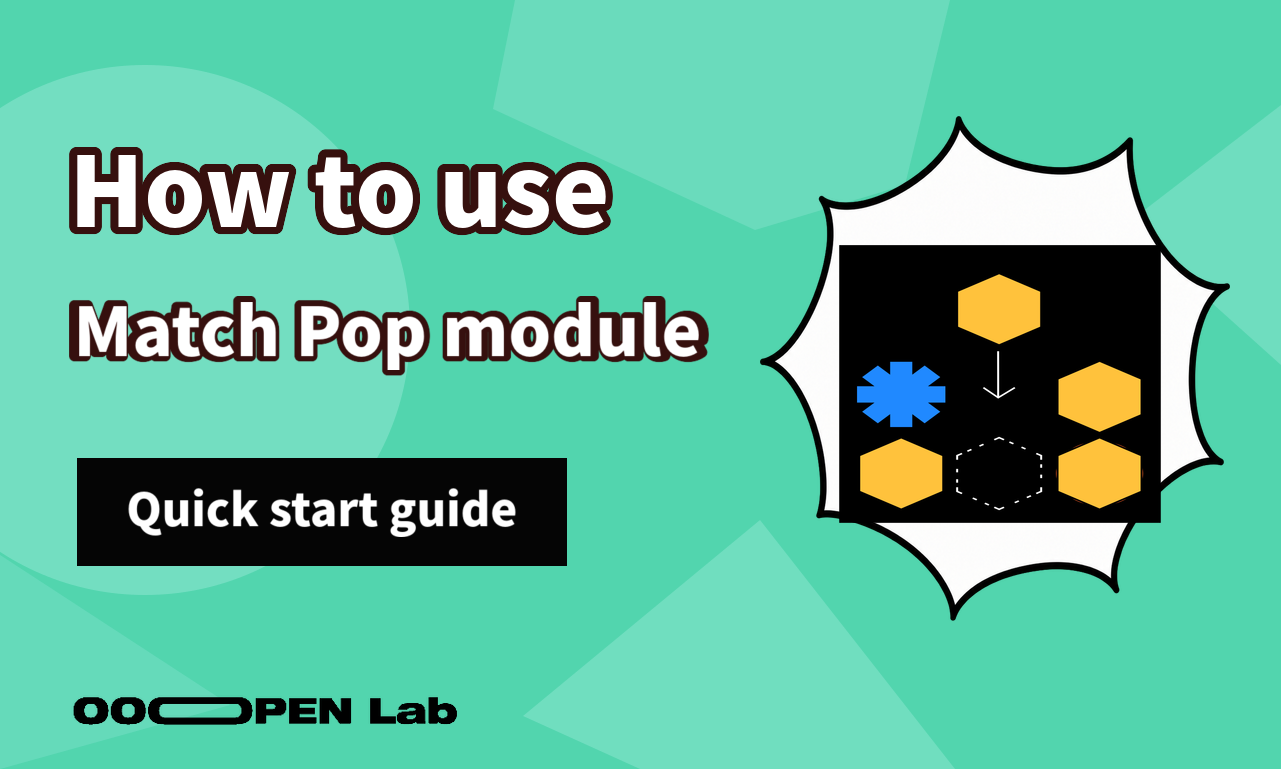
Turn characters, products, or brand symbols into a falling-tile matching challenge with chains and scores.
Contents
What you can use it for
Use a familiar matching game for a product launch, character campaign, booth challenge, or score-based promotion. Players learn the visual set by manipulating it, while speed and chain scoring create a reason to retry. Keep the artwork easy to distinguish at small mobile sizes.
What it looks like
Mechanics settings control drop speed, the base score per removed item, and the chain multiplier.
Tune the base score and drop speed separately.
Items can use configured colors, and the game-over state can display a custom image.
How it works
Pieces fall into the board and are removed when the player forms a valid match. Each removed item contributes the base score; consecutive removals apply the configured chain multiplier. Drop speed changes the difficulty and pacing. Appearance settings determine how pieces and end states look, not how scoring is calculated.
How to get started
- Prepare a small set of visually distinct pieces.
- Choose an accessible starting speed and test it on a phone.
- Set a simple base score and chain multiplier.
- Customize the board pieces and game-over state.
- Play several rounds with first-time and experienced players.
- If a score unlocks a reward, document the threshold and tie-handling rule.
FAQ
How do I make the game easier? Reduce the initial drop speed and use clearly different pieces.
What creates a higher score? Matched items earn the base score, while consecutive matches can increase it through the chain multiplier.
Can I use images instead of plain colors? Use the available appearance settings and test recognizability at the rendered size.