Background
All three quiz types can show players a personalized result after they finish answering, but each one uses a completely different method to turn answers into a result:
| The question you want to answer | Quiz type | How the result is calculated |
|---|---|---|
| "Which type am I most like?" | Psychological Test | Add up all result-tag scores and show the highest-scoring result |
| "What is my tendency in each area?" | Multidimensional Quiz | Select the highest-scoring tag in each dimension, then match that combination to a result |
| "Which range does my total score fall into?" | Scored Quiz | Add up the option scores and show the result whose range contains the total |
The most common setup mistake is to write all the questions first and think about results last. By then, you may discover that your tags, dimensions, or score ranges cannot cover every possible answer path. This guide starts by defining results, then works backward to questions and options.
Before you start
Prepare a simple result table before configuring the quiz:
- Write one sentence describing the question this quiz should answer.
- List every result a player could see.
- Prepare two to four deliberately designed sets of test answers instead of clicking through the preview at random.
- Do not add large numbers of questions, results, or visual blocks until the minimal tests in this guide pass.
If you want different answers to send players down different question paths, you need branching logic. That is separate from the result-mapping problem covered here.
Setup steps
Step 1: Choose a module with this decision tree
Answer these questions in order:
- Do you need a numeric total score? If so, choose Scored Quiz.
- Do you need to identify one tendency in each of several independent dimensions? If so, choose Multidimensional Quiz.
- If you only need to choose the best match from several types, choose Psychological Test.
Do not choose a module solely because its name contains the word "psychological." For example, if "extroverted/introverted" and "decisive/cautious" must each produce their own tendency, use a Multidimensional Quiz. If a readiness score from 0 to 100 must be divided into three bands, use a Scored Quiz.
Step 2: Build the mapping for your chosen module
Psychological Test: compare total tag scores
- Create the results first, then assign each result's tag to the relevant options.
- When a player selects an option, the tags attached to that option receive points. The result with the highest total score is shown at the end.
- One option can have multiple result tags, and each tag is scored separately. This does not mean the quiz will show several primary result pages after completion.
- If an option needs more influence, adjust the weight of its corresponding tag. Complete the full mapping with a weight of 1 first, and increase weights only when you can explain why.
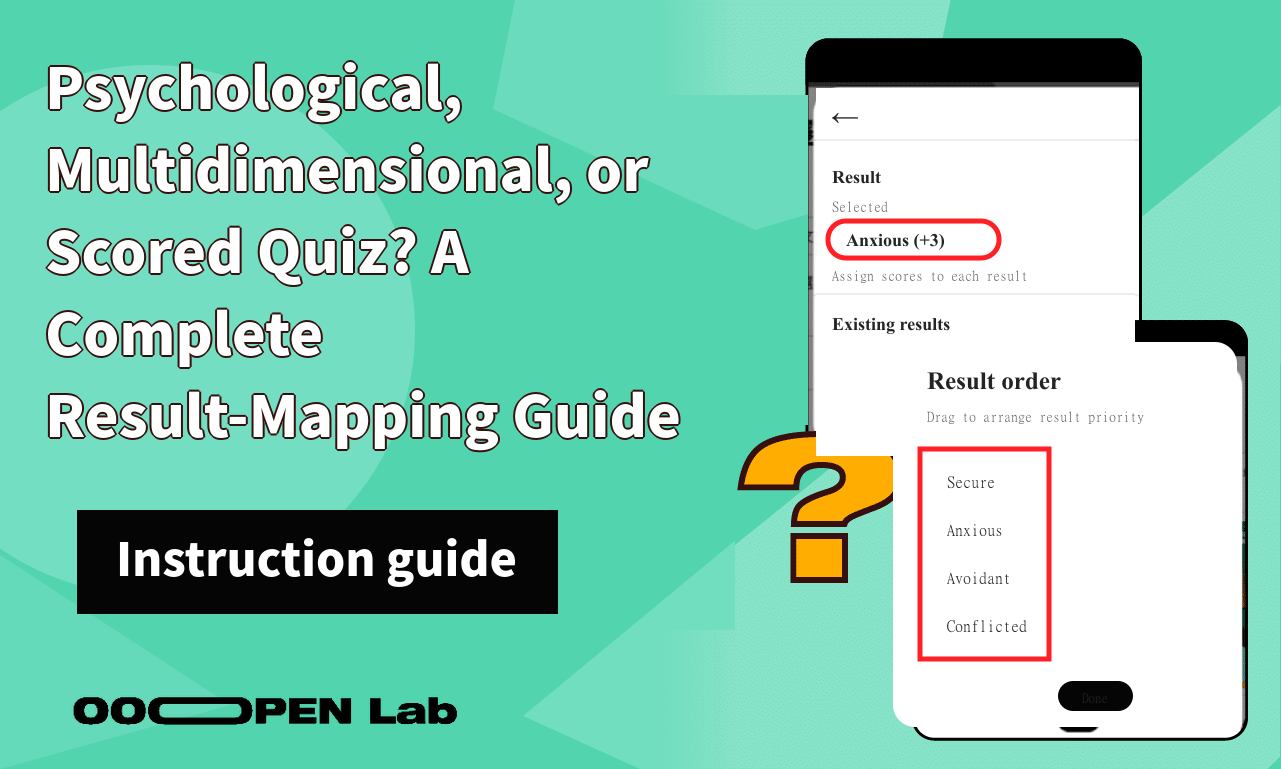
- If two results are tied, their order in the editor decides the winner: the result placed earlier takes priority. Treat ties as a required test case, not as random behavior.
Multidimensional Quiz: choose one tag per dimension, then match the combination
- Create the dimensions first, then create the tendency tags within each dimension.
- Map options to the appropriate dimension tags. Scores are accumulated separately within each dimension; all tags are not placed on one shared leaderboard.
- After selecting the highest-scoring tag in each dimension, the system looks for the result mapped to that combination. If any possible tag combination has no matching result, that answer path cannot display the intended result.
- If tags within the same dimension are tied, the tag created earlier wins. Create a separate tie path and confirm that the priority matches your design.
- If you connect one option to tags in multiple dimensions, every mapping contributes to the score. Do this only when the answer genuinely expresses several tendencies at once.
Scored Quiz: map the total to a range with inclusive bounds
- Assign a score to every option. The player's choices are added together to produce the final total.
- Set a minimum and maximum score for each result. Both endpoints are included, so a 0-4 range contains both 0 and 4.
- Cover every possible total from the minimum attainable score to the maximum. Every score should belong to exactly one result.
- Do not leave gaps or create overlaps. A gap leaves some totals without a result; with overlapping ranges, you should not design the quiz around whichever result happens to appear first.
- The editor currently validates each individual score field as an integer from -100 to 100 and does not allow a maximum below its minimum. A single-point range with identical lower and upper bounds is valid.
Step 3: Run the minimal test cases
Verify the rules with the smallest practical set of questions and results before expanding the quiz:
| Module | Minimal setup | Required paths | Expected results |
|---|---|---|---|
| Psychological Test | 2 results and 2 questions, each with options mapped to both results | Choose A for all answers; choose B for all answers; choose each once; make one option add 2 points to A and 1 to B | A, B, the predetermined tie result, and A, respectively |
| Multidimensional Quiz | 2 dimensions with 2 tags each, plus all 4 complete combination results | Run each of the four combinations once, plus a path that ties one dimension | Every combination reaches its matching result; the tie path reaches the predetermined tag combination |
| Scored Quiz | 2 questions worth either 0 or 1 point; three single-point result ranges for 0, 1, and 2 | Deliberately produce totals of 0, 1, and 2 | Each total reaches exactly one result |
While previewing, record the test path, expected result, and actual result. Rerun these cases whenever you change tags, weights, result order, dimensions, or score ranges.
Step 4: Check boundaries before publishing
- Every answerable option maps to a tag or score.
- The Psychological Test has been checked for a single highest score, multiple tags, and ties.
- Every possible tag combination in the Multidimensional Quiz has an intended result.
- The Scored Quiz has been checked at its minimum, maximum, and every range boundary, with no gaps or overlaps.
- Every result page has a title, explanation, and useful next step instead of merely repeating a score or tag.
Frequently asked questions
Can one option map to multiple results?
Options in Psychological Tests and Multidimensional Quizzes can map to multiple tags, and every tag contributes to its own score. This means that one answer can add points to several tendencies; it does not mean that several primary result pages are selected at the end.
Does a larger weight make a result more accurate?
Not necessarily. A weight only changes how strongly an answer affects the calculation. Without a clear reason, larger weights can let a small number of questions overpower the rest of the answers. Complete the mapping with equal weights first, then adjust it using fixed test cases.
Why did the player return to the beginning without seeing a result?
This usually means the calculation did not find a displayable result, but the screen behavior alone does not prove a single cause. Check the following:
- Psychological Test: did this path give at least one valid tag a score?
- Multidimensional Quiz: is there a result for the winning tag combination across all dimensions?
- Scored Quiz: does the actual total fall inside one non-overlapping result range?
In an existing Multidimensional Quiz, a result that does not specify every dimension may be matched first as a compatible result. Do not rely on the editor's display order to control which result is matched. Review the dimension tags on every result and test every intended combination in the actual preview.
Further reading and next steps
Your next step is not to write every question immediately. First create the minimal cases above and verify a single highest score, a tie, a tag combination, and score-range boundaries.